Topic: DMD0290
Title Page Editor
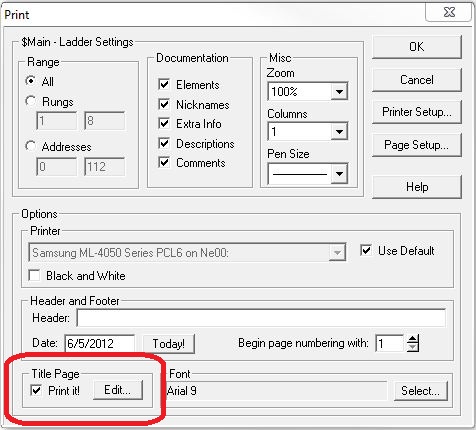
The Title Page editor allows you to create and edit the text for the Title Page of the current project. The Title Page Editor can be invoked by selecting the Tools-> Title Page Editor menu selection, or pressing Ctrl + T, or clicking the 'Edit ...' button in the Title Page section of the Print, Print All, and Print Preview dialogs.
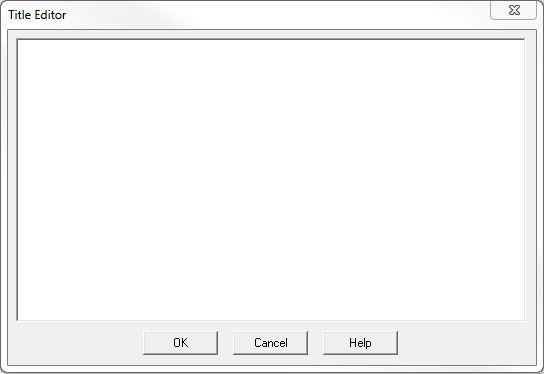
The Title Page can contain up to 20 lines of text, with a maximum of 2400 characters. The number of characters per line will depend on the font and the width of the characters. Text in the Title Page can consist of any alphabetic character, alphanumeric value, punctuation mark, and arithmetic operator; essentially any printable ASCII character can be used.
Text for the Title Page can be entered directly into the editor field, or the programmer can use cut and paste from another source. All the traditional Windows editing keystrokes are available for editing, and for cutting and pasting text into and out of the Title Page Editor. The Title Page can then be printed with the rest of the project.
Disable Printing of Title Page
By default the Title Page will be included any time the project is printed. To disable the Printing of the Title Page, uncheck the ’Print it!’ option on the Print, Print All, or Print Preview dialogs.
See Also:
Title Page Editor